> ## Documentation Index
> Fetch the complete documentation index at: https://docs.getkadabra.com/llms.txt
> Use this file to discover all available pages before exploring further.
# Activate and Publish a Flow
> Get your flow ready to run automatically
# How to Deploy a Flow
Publishing marks a flow **ready to run** with its trigger. Flows auto save as you edit.
## Activate your flow
Run a test. Confirm data previews look right and outputs match your goal.
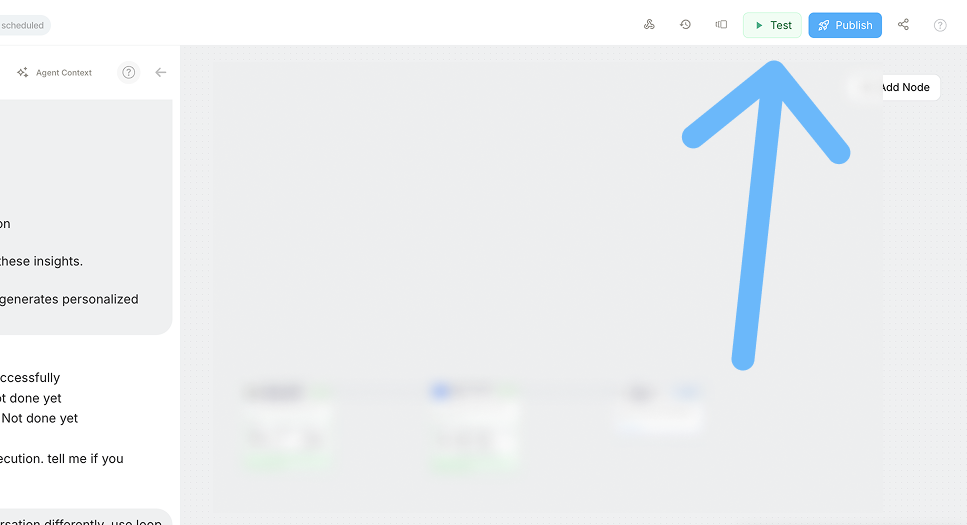 Click **Publish** to enable the configured trigger so the flow can run automatically.
Open **Monitor** to watch runs, check success or failure, and view node level details.
You can add a lightweight in flow monitor step or create a separate monitoring flow that reacts to run events.
Click **Publish** to enable the configured trigger so the flow can run automatically.
Open **Monitor** to watch runs, check success or failure, and view node level details.
You can add a lightweight in flow monitor step or create a separate monitoring flow that reacts to run events.