> ## Documentation Index
> Fetch the complete documentation index at: https://docs.getkadabra.com/llms.txt
> Use this file to discover all available pages before exploring further.
# Connect Nodes
> Map fields from one node to another with confidence
# Learn how to connect Nodes and define Data Flow
`Connections` control how fields move between steps.
## Wire connections
1. Drag from the right edge of the source node to the left edge of the target node.
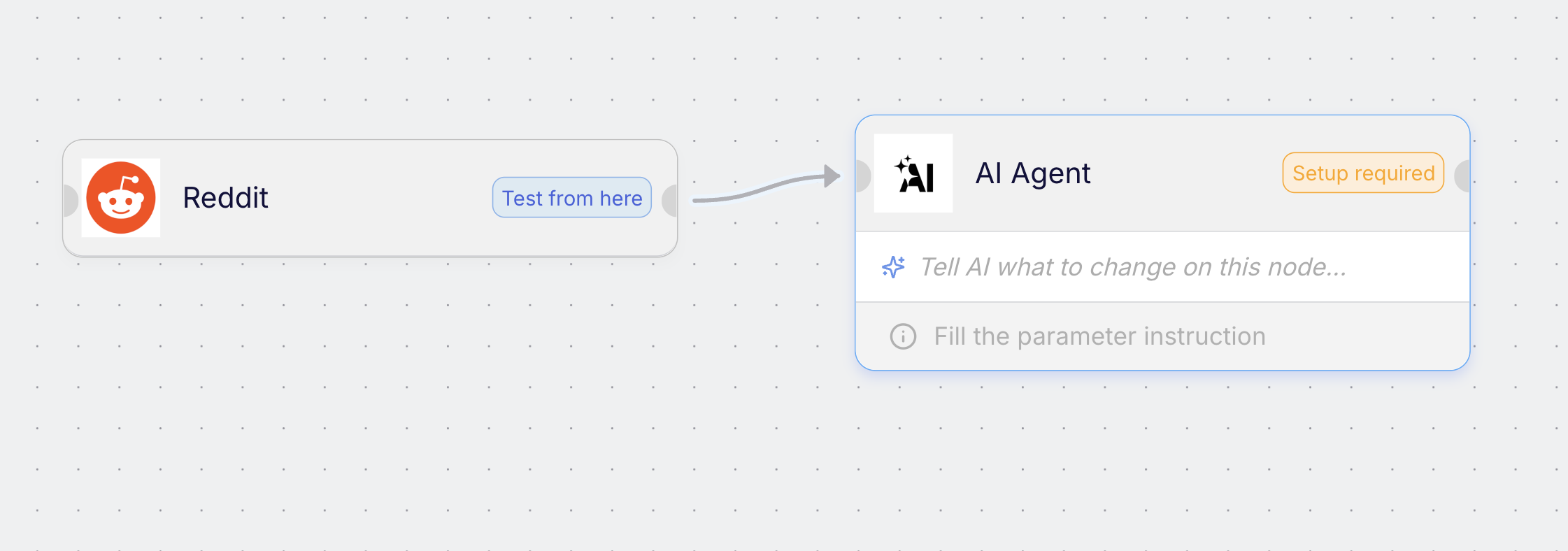 2. Open the target node parameters and click **Connect** on any field that should receive data.
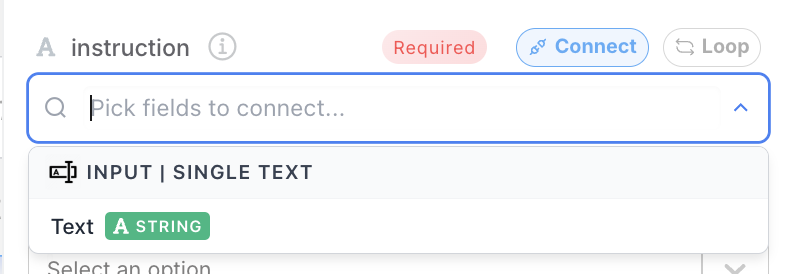 * Select the source field to map into the target field.
* Repeat for each field you need.
You can map simple values like text or numbers, and complex objects like arrays or JSON.
Hover any wire to see a live preview of the data that will enter the next node.
* Select the source field to map into the target field.
* Repeat for each field you need.
You can map simple values like text or numbers, and complex objects like arrays or JSON.
Hover any wire to see a live preview of the data that will enter the next node.