> ## Documentation Index
> Fetch the complete documentation index at: https://docs.getkadabra.com/llms.txt
> Use this file to discover all available pages before exploring further.
# Delete Credentials
> Remove stored tokens and secrets from your workspace
# Delete Credentials
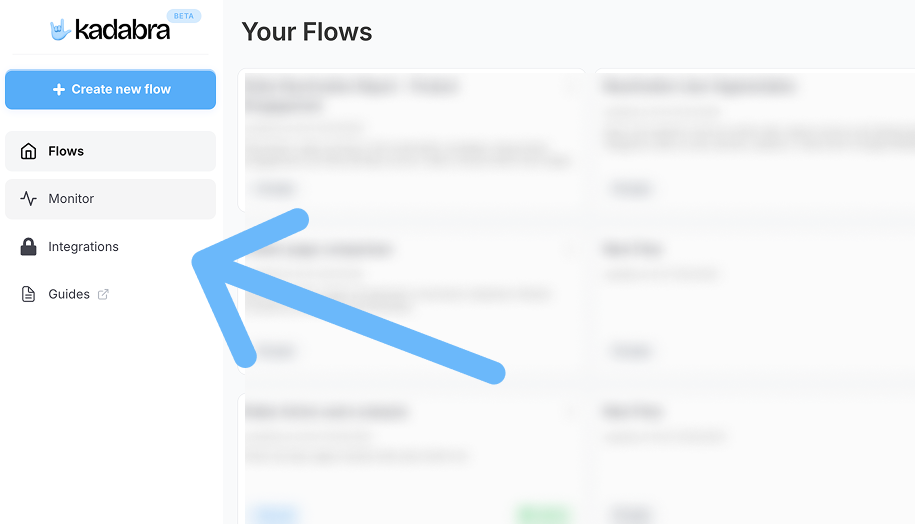
You can manage and delete credentials from **Integrations** .
Go to **Integrations**
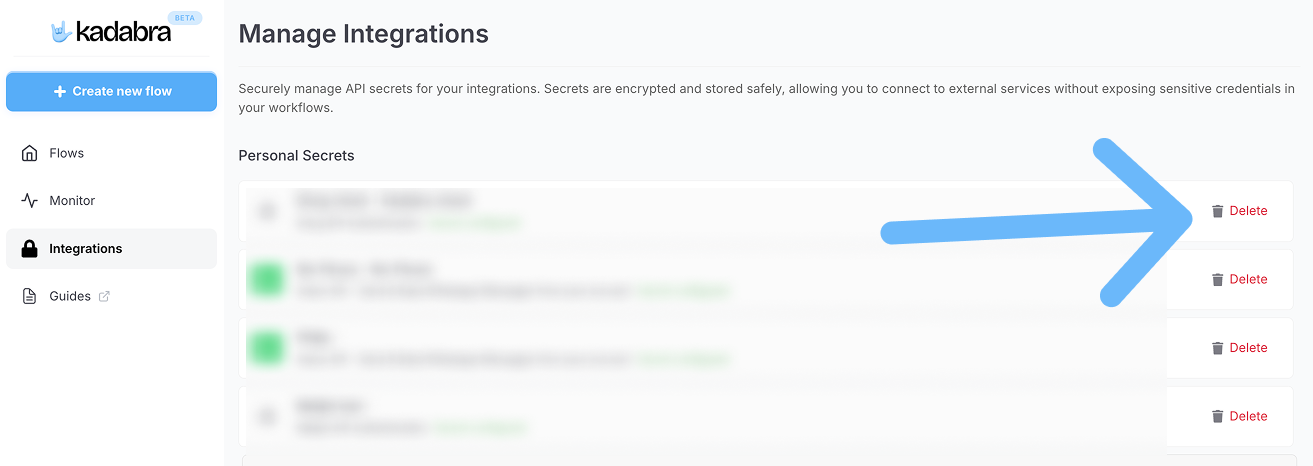
 Select the app or token you want to remove.
Click **Delete** to remove the stored secret from your workspace.
Select the app or token you want to remove.
Click **Delete** to remove the stored secret from your workspace.
 Deleting a credential breaks any flows that depend on it. Reconnect to restore functionality.