> ## Documentation Index
> Fetch the complete documentation index at: https://docs.getkadabra.com/llms.txt
> Use this file to discover all available pages before exploring further.
# Understand Data Flow
> See how data moves through a flow so you can build and debug with confidence
# Data Flow
In Kadabra, data flows **left to right** across your Canvas. Each **node** receives data on its **left edge** and emits data from its **right edge**.
## The mental model
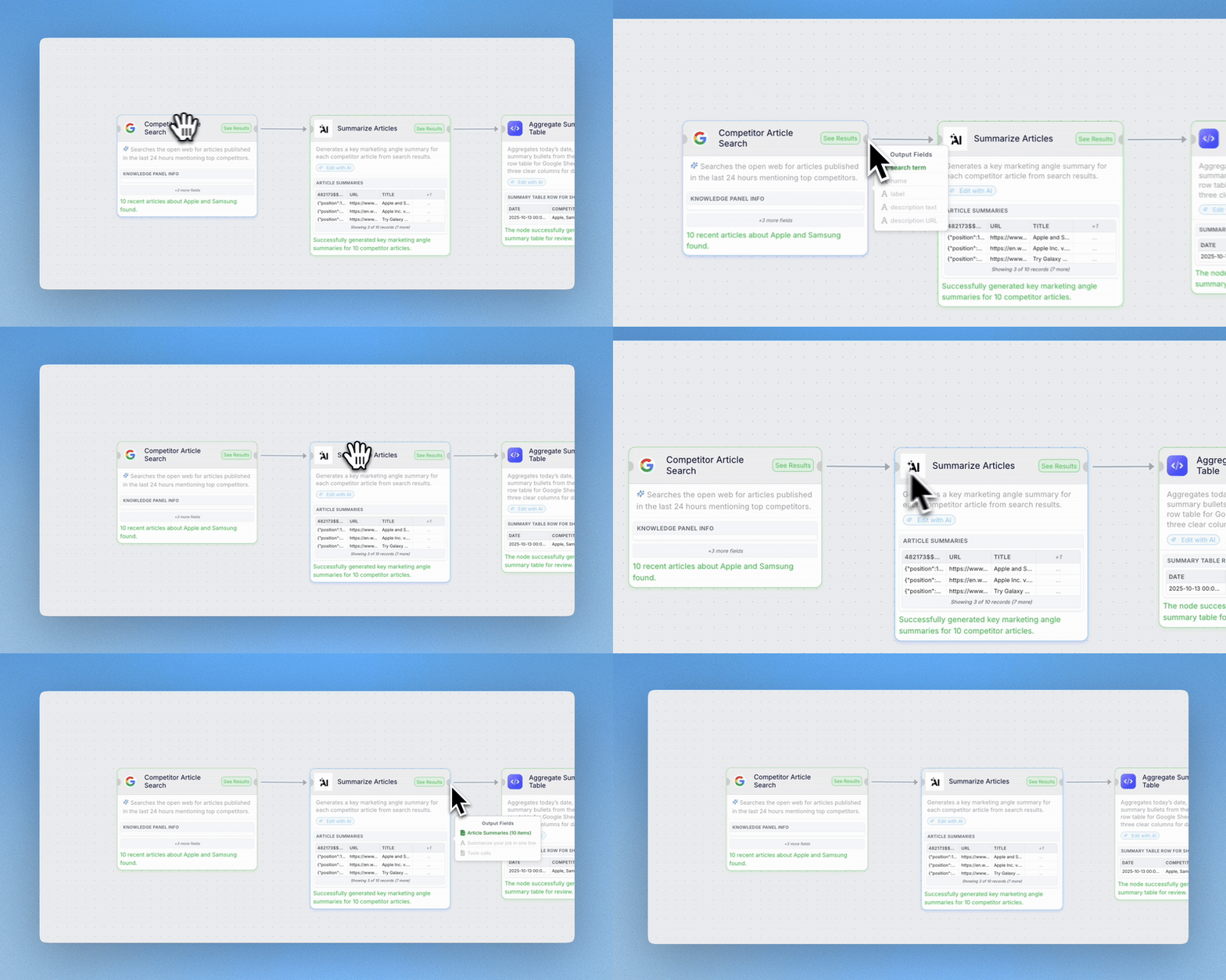
Data enters a node from the left. You can preview incoming fields by hovering the left edge.
The node transforms or uses the data according to its parameters.
Data leaves on the right. Hover the right edge to see the fields produced.
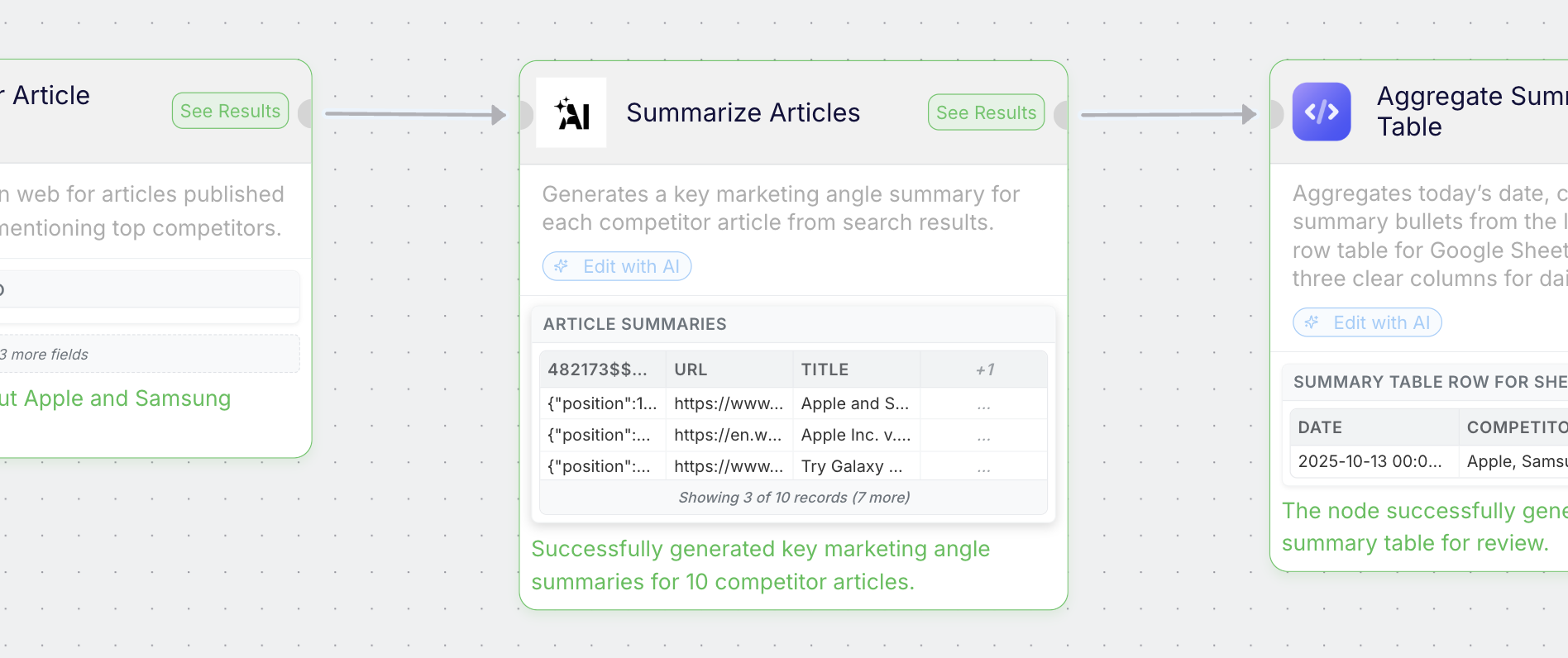 Hover any connection line to see a live preview of the exact fields moving between nodes.
 ## Node categories
* **App nodes** - talk to external systems like Slack, Google Sheets, Notion.
* **AI nodes** - analyze or generate text based on your prompt.
* **Core nodes** - format, filter, merge, branch, and transform data.
* **Custom nodes** - call any API or run custom logic.
Data previews update as you test, so you can quickly verify shapes like arrays, objects, and text.
## Node categories
* **App nodes** - talk to external systems like Slack, Google Sheets, Notion.
* **AI nodes** - analyze or generate text based on your prompt.
* **Core nodes** - format, filter, merge, branch, and transform data.
* **Custom nodes** - call any API or run custom logic.
Data previews update as you test, so you can quickly verify shapes like arrays, objects, and text.