

Build with Kadabra Agent
The fastest way to build is to chat with the Agent. It will understand your goal, check prerequisites, propose a plan, and place nodes on the Canvas.Example: Reddit Sentiment Brand Monitor
1
Start With The Prompt
Describe your outcome or the workflow. The Agent clarifies goals and highlights prerequisites like a spreadsheet, a form, or a credential. in this example we used that prompt:
Run this workflow daily:
- Search Reddit for posts from the last 24 hours that mention our brand.
- Retrieve each post’s full text.
- Ask AI Assistant to score sentiment on a -5 to +5 scale and tag main themes.
- If the average sentiment for the day is -2 or lower, send an alert to #brand-alerts on Slack.
2
Flow Plan Approval
The Agent plans the flow including nodes how to connects them and configure the parameters, which trigger is appropriate. The user should review, refine or approve the plan.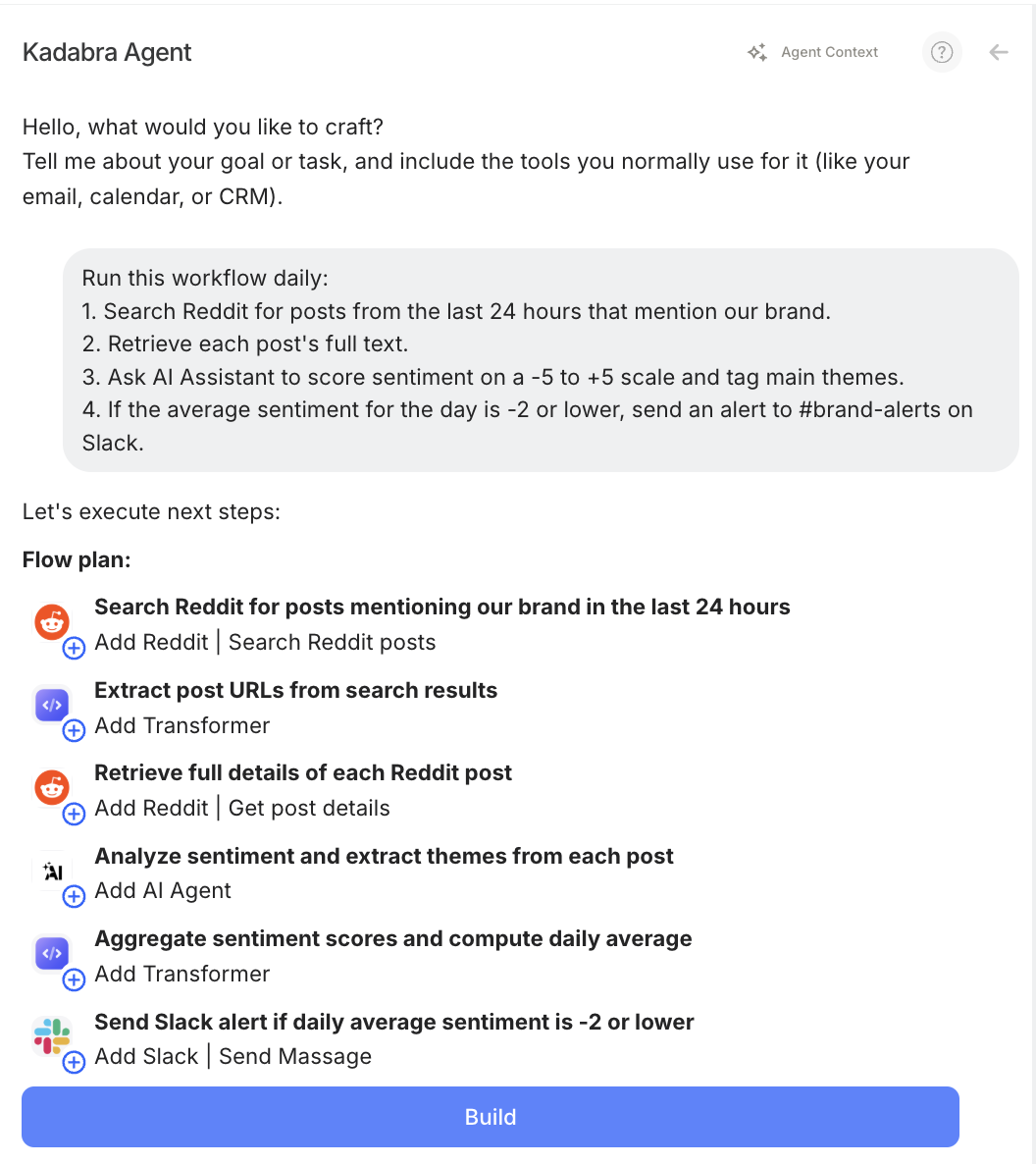
3
Building & Testing
The Agent builds the flow including configuration of the node parameters, than it runs a small sample, usually the first few items or iterstions, and validates results end to end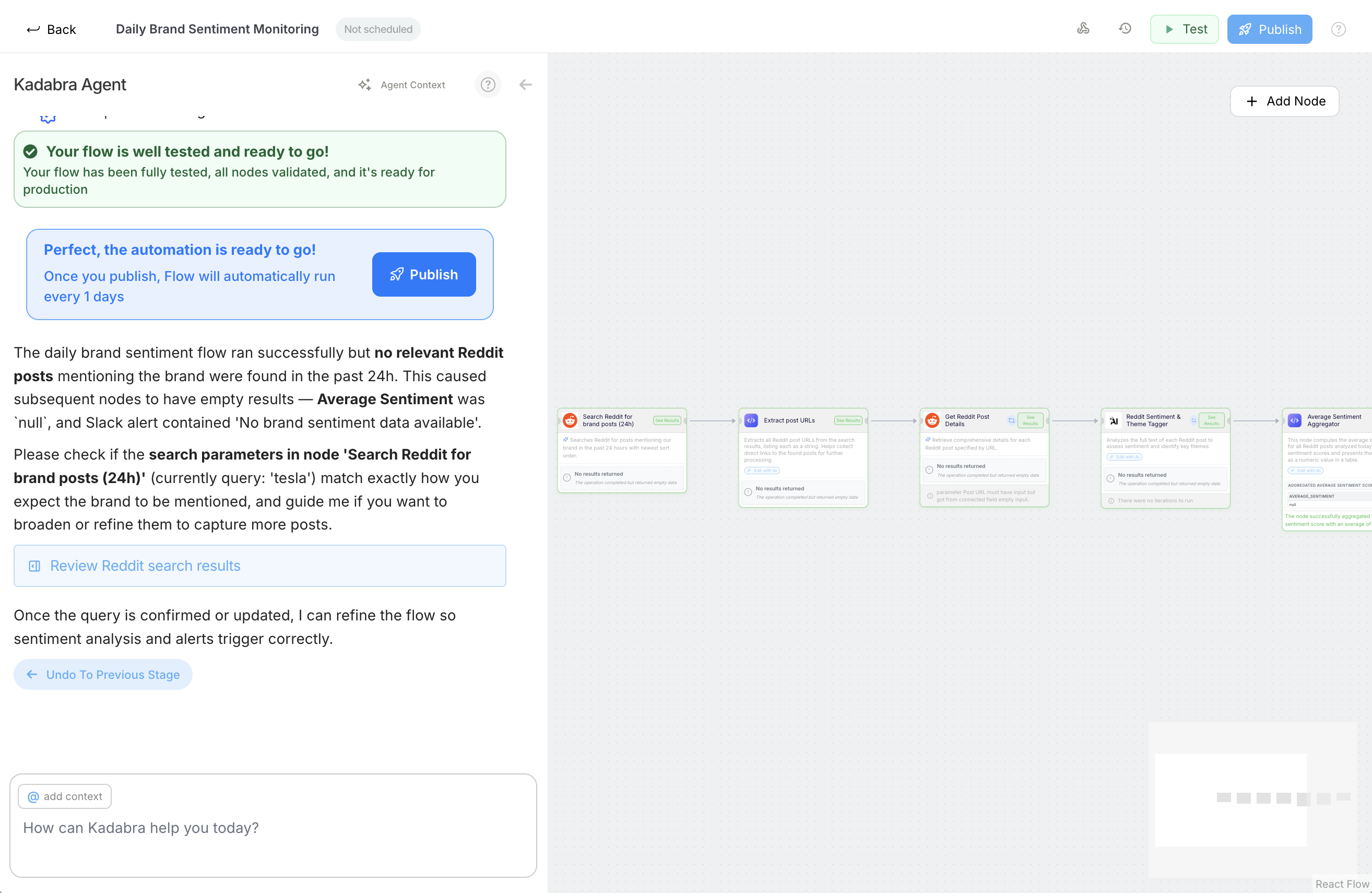
If the agent detects missing information (such as credentials or parameters not provided by the user), it pauses and asks for the missing details or instructions. For example, in our case: the brand name and Slack channel name.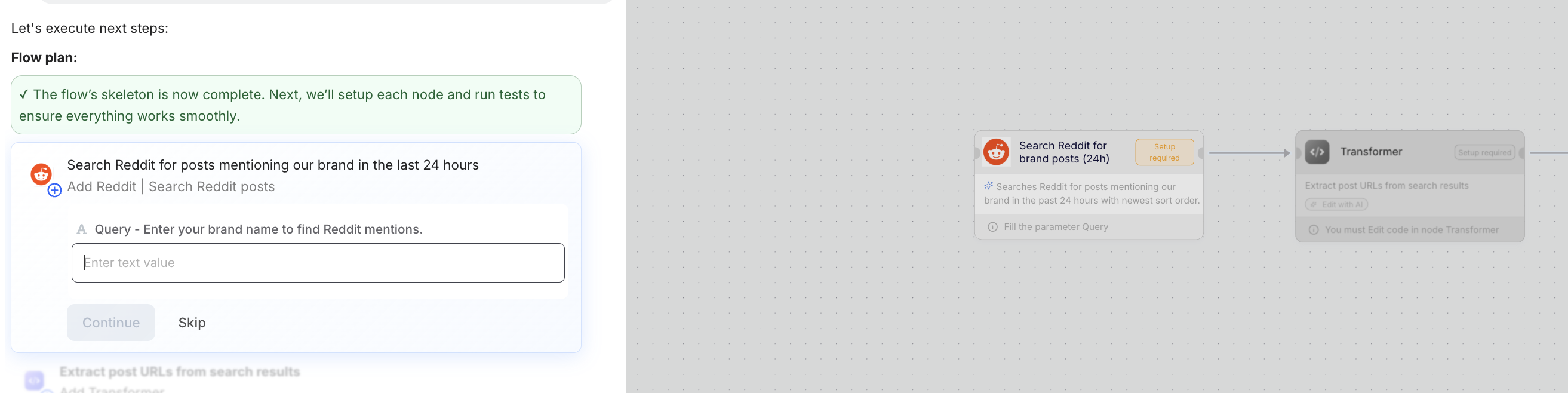
The Agent will not execute any “risky” actions without first showing them to the user and receiving their approval: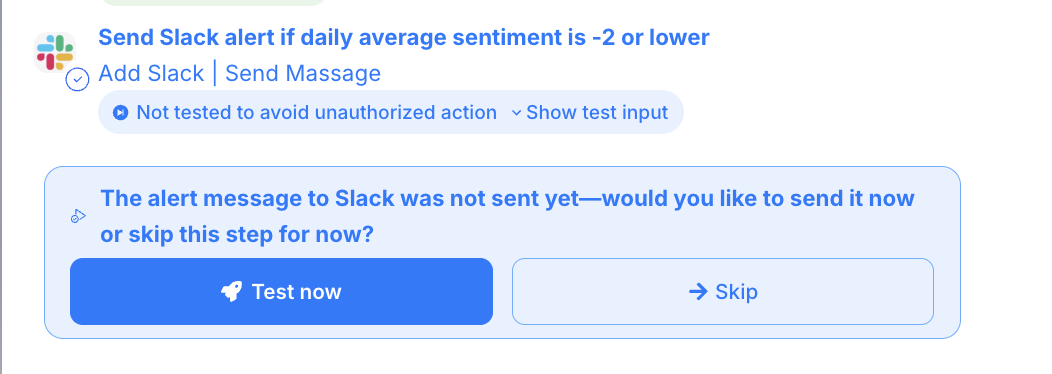
4
Deploying
The agent run a test once, then Publish to activate the trigger and make it production ready.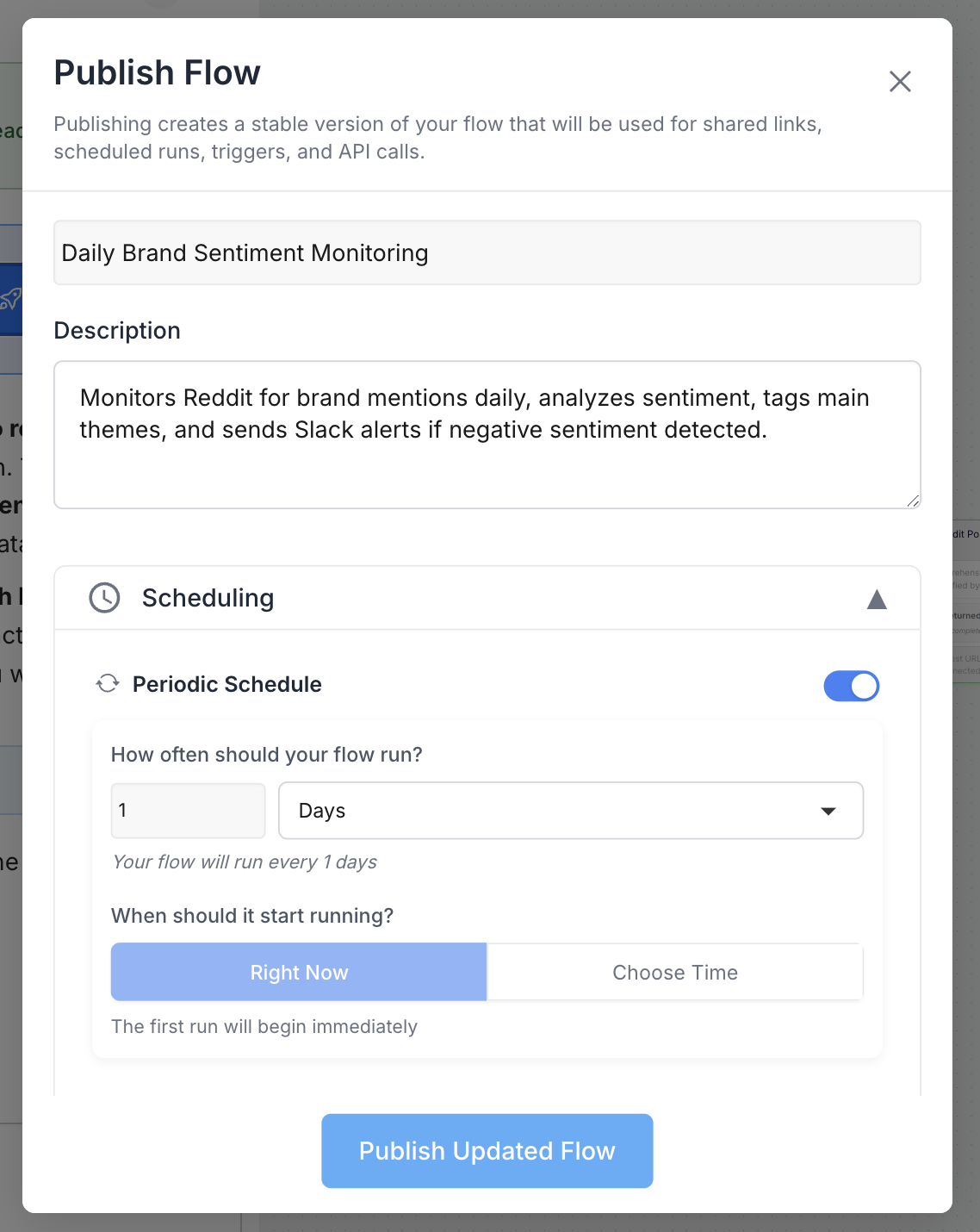
5
What's Next?
Next, you can take the following actions: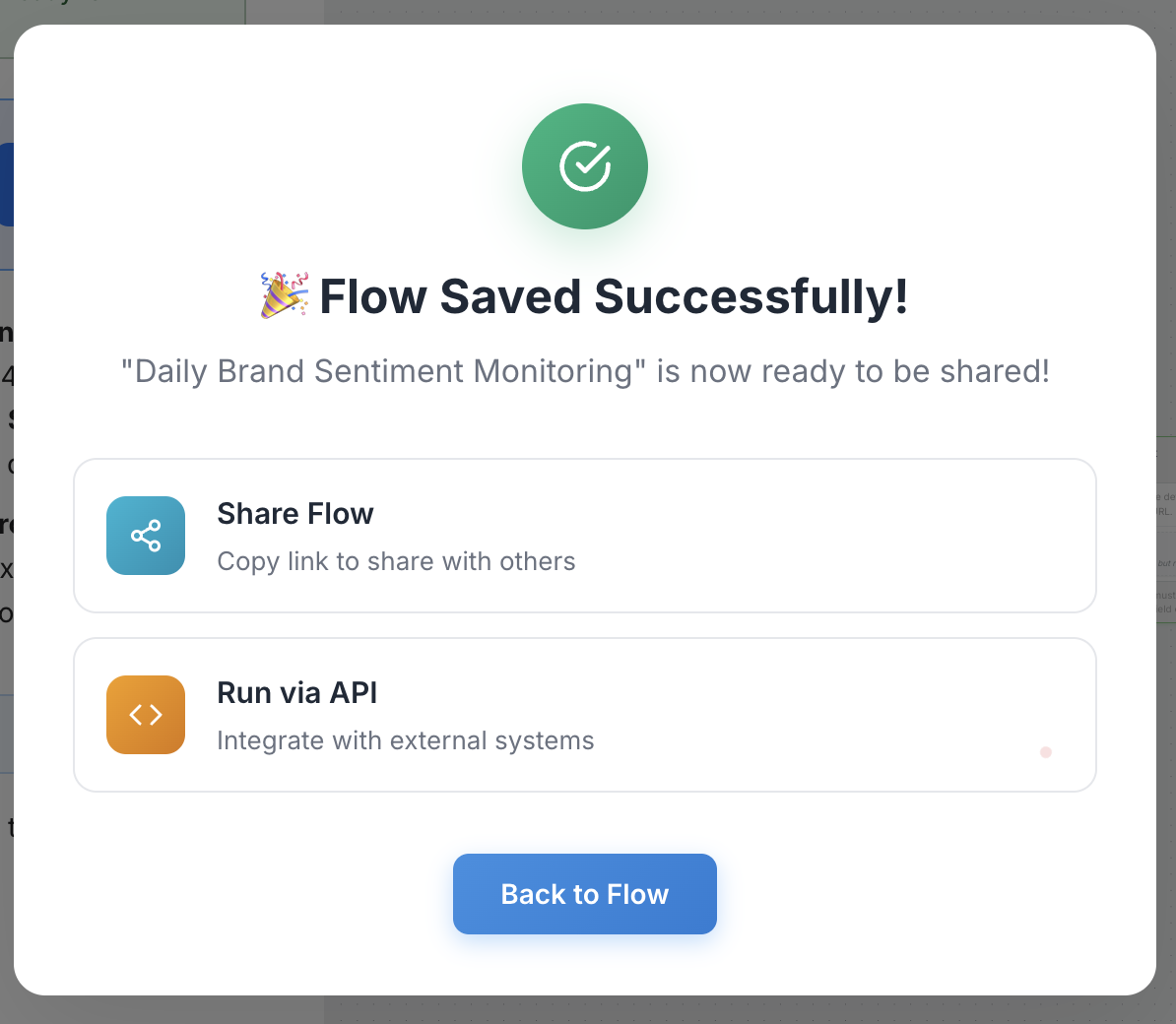
- Collaborate - Share the flow either as a draft workflow or as an interface.
- Run via API - Once you’ve defined the inputs and outputs, you can execute the workflow through an API request.
- Monitor - In the “Monitor” page, you can view details about the scheduled flow along with its metadata.