

Understand Kadabra’s Core Concepts
This page explains how Kadabra works so you can design reliable automations with confidence.What is a Flow
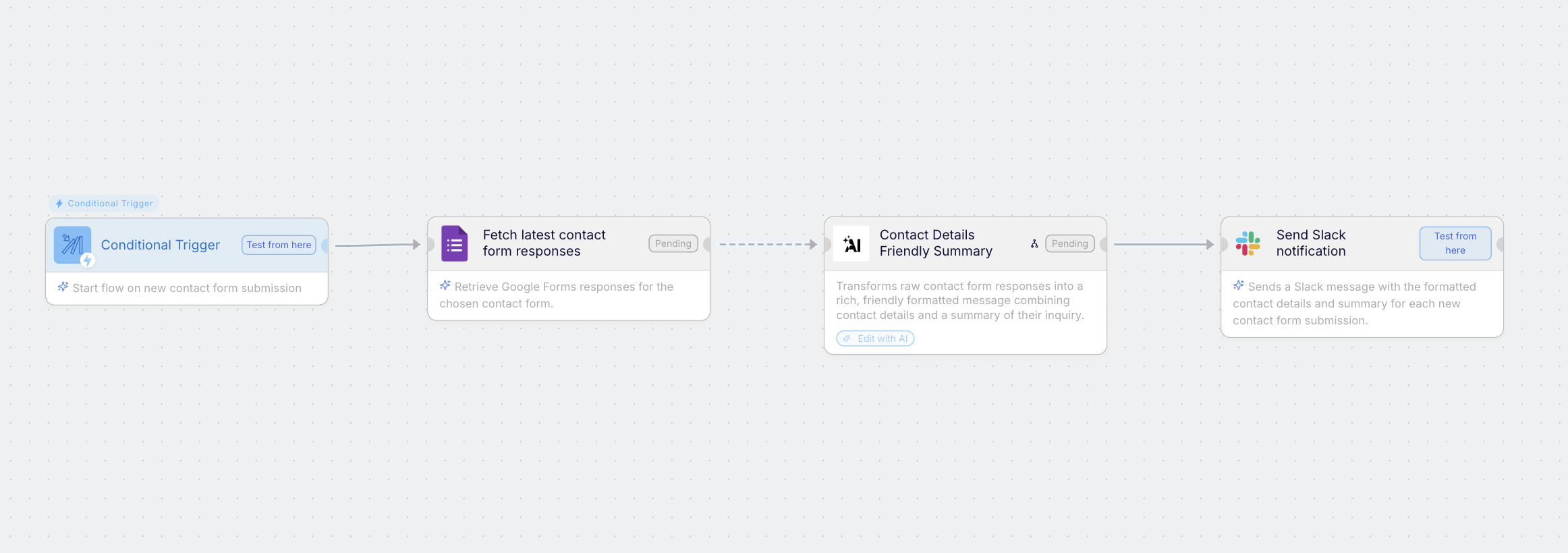
Structure
Nodes do one job each. Lines define order and data movement.
Inputs and outputs
Flows accept inputs and produce outputs you can expose to Interfaces or APIs.
Run conditions
Flows start with Manual, Schedule, Event, or API triggers. Every run is logged.
Think of a flow as a recipe. Nodes are steps. Triggers press Start.
AI Automation types
An AI Automation connects tools, data, and logic to act automatically. In Kadabra, an automation can be deterministic, agentic, or hybrid.Agentic
Flexible and intelligent - the Agent reasons, decides, and uses tools with context.
Deterministic
Predictable and rule based - executes predefined steps with clear inputs and outputs.
Hybrid
Best of both - the Agent interprets, then deterministic nodes execute at speed and scale.
Example: Agent reads a request - extracts intent and fields - passes structured data to nodes that update the CRM and notify Slack.
Kadabra Agent
The Kadabra Agent collaborates with you to plan, build, and maintain automations, and answers questions about Kadabra.Understands your intent
You describe the outcome. The Agent clarifies scope, constraints, and success criteria.
Checks prerequisites
Points out missing pieces like a spreadsheet, form, integration, or credential.
Plans the flow
Suggests nodes, connections, triggers, and interface inputs and outputs.
Build & Test
Places nodes, connects them, and configures fields so you start from a working draft.
Publish or Edit
Add or remove steps, switch triggers, retune prompts, or replace tools by asking the Agent.
Product help
Ask how Kadabra works. The Agent explains features, patterns, and best practices in context.
Canvas
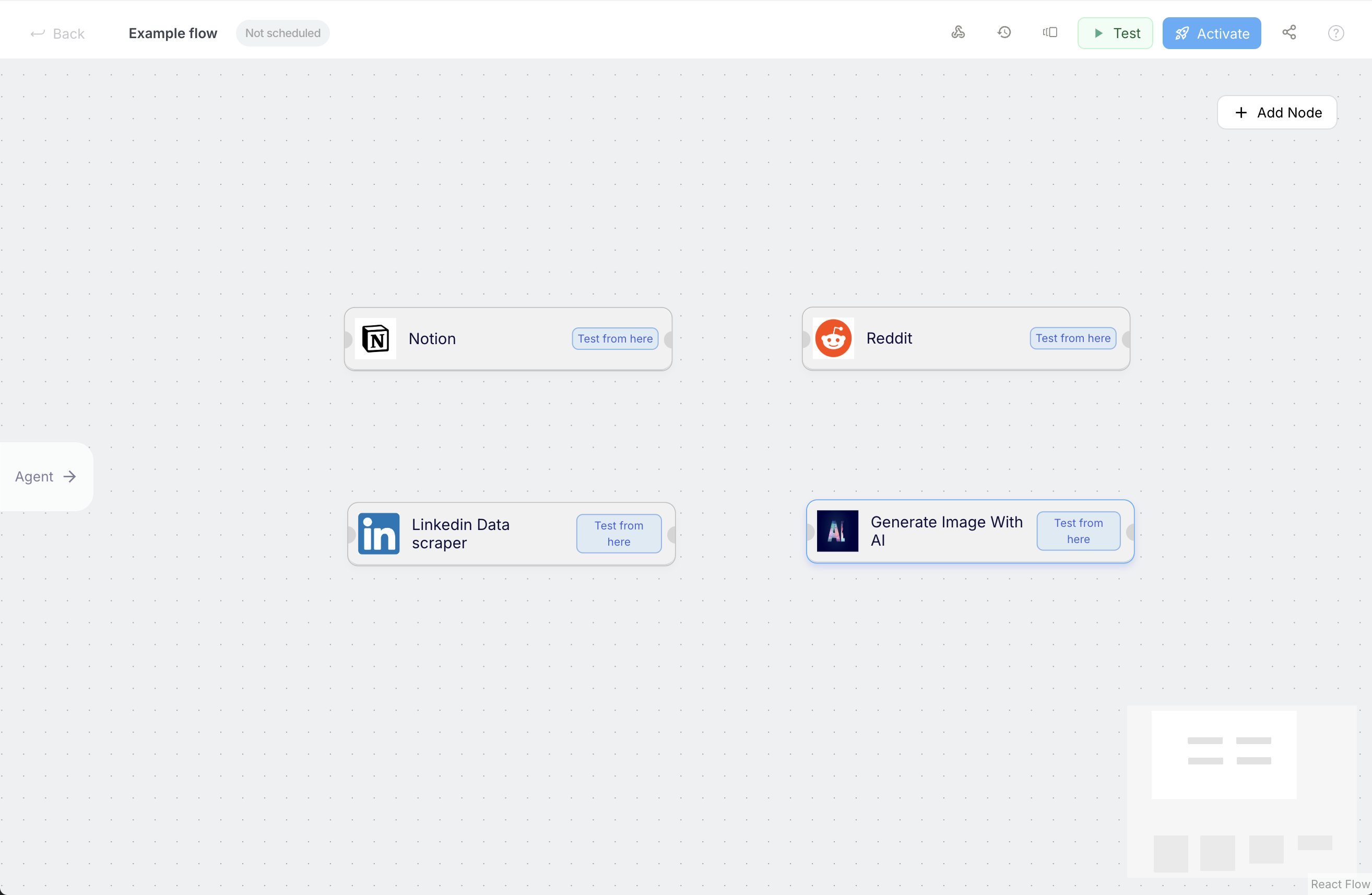
The Canvas is your visual runtime for design and debugging.Think visually
Connect nodes, see data flow, and issue plain English edits the Agent applies for you.
Designed for clarity
Inspect inputs and outputs on any line. Great for testing and troubleshooting.
Triggers
Triggers tell Kadabra when to run a flow.Manual
Run on demand from the editor or an Interface.
Schedule
Run hourly, daily, weekly, or at custom times.
Event based
Run when something happens in another app like a new row in a sheet or a new lead in a CRM.
API
Expose a webhook URL so external systems can start the flow programmatically.
Every run is visible in Monitor with inputs, outputs, and errors so you can trace exactly what happened.
Credits
Credits are the usage currency that power every action inside Kadabra: from running AI nodes to executing integrations.How credits are consumed
Node Costs
Each node (like AI Node or Google Search) has a specific credit cost whenever it runs.
Examples:
Examples:
- AI Node → 50 credits
- Google Search → 1 credit
Flow Costs
A Flow is made of multiple nodes.
The total cost of running a flow equals the sum of all its node costs during that execution.
The total cost of running a flow equals the sum of all its node costs during that execution.
Example: A flow with 1 AI Node and 1 Google Search node will consume 51 credits per run.
Find Node Costs
You can discover the credit cost for each node directly in the Nodes Catalog: available when creating or editing a flow.
Track Your Usage
Your detailed credit usage and total monthly costs are displayed on your Account page,
so you always know where your credits go.
so you always know where your credits go.
Interface
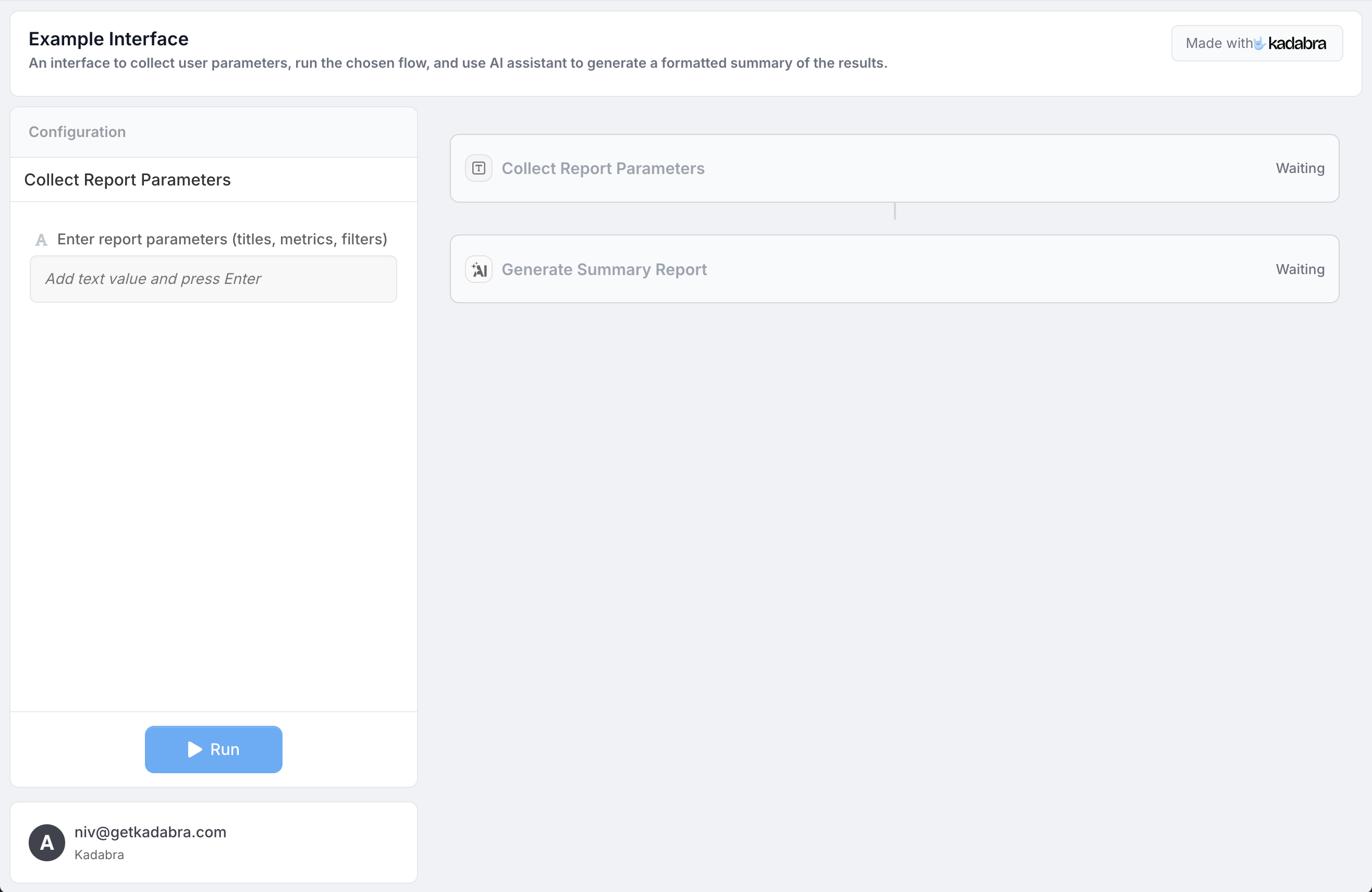
An Interface is a user facing surface on top of a flow. Define the inputs a flow needs and the outputs it returns, then share a simple form that runs the flow.Define inputs
Text, options, files, IDs - only what the flow needs.
Show outputs
Return results, links, summaries, or files.
Collaborate
Let teammates or clients run the flow without editing it.
Summary
- Flow - sequence of nodes on the Canvas that achieves a goal.
- Agent - plans, checks prerequisites, places and edits nodes, and answers Kadabra questions.
- Canvas - visual environment for design and debugging.
- Interface - shareable form on top of a flow.
- Triggers - start flows manually, on a schedule, on events, or by API.
- Credits - usage model for AI and execution.
FAQ
Quick answers about usage, billing, and limits.
How to Guides
Practical, step by step tutorials.
Build an Agent
Create an Agent that plans and edits on the Canvas.