

Data Flow
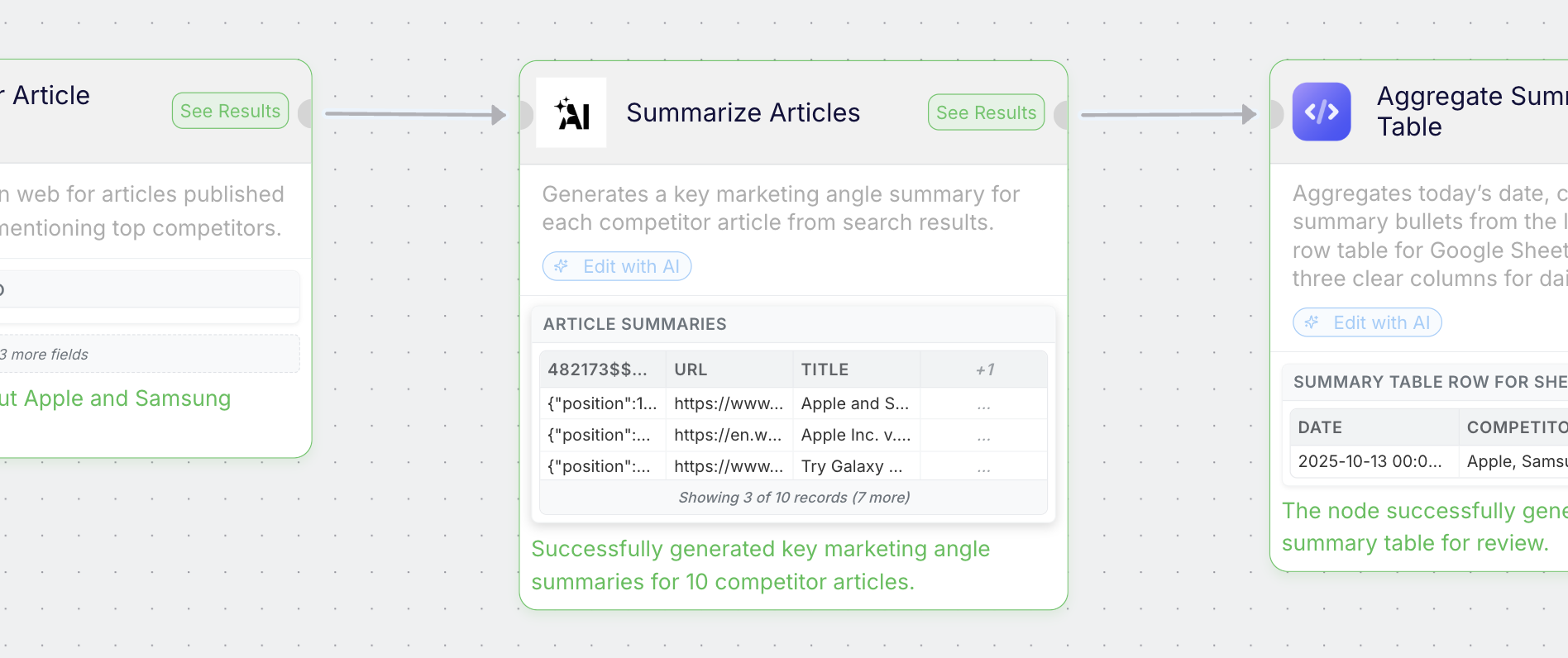
In Kadabra, data flows left to right across your Canvas. Each node receives data on its left edge and emits data from its right edge.The mental model
Inputs
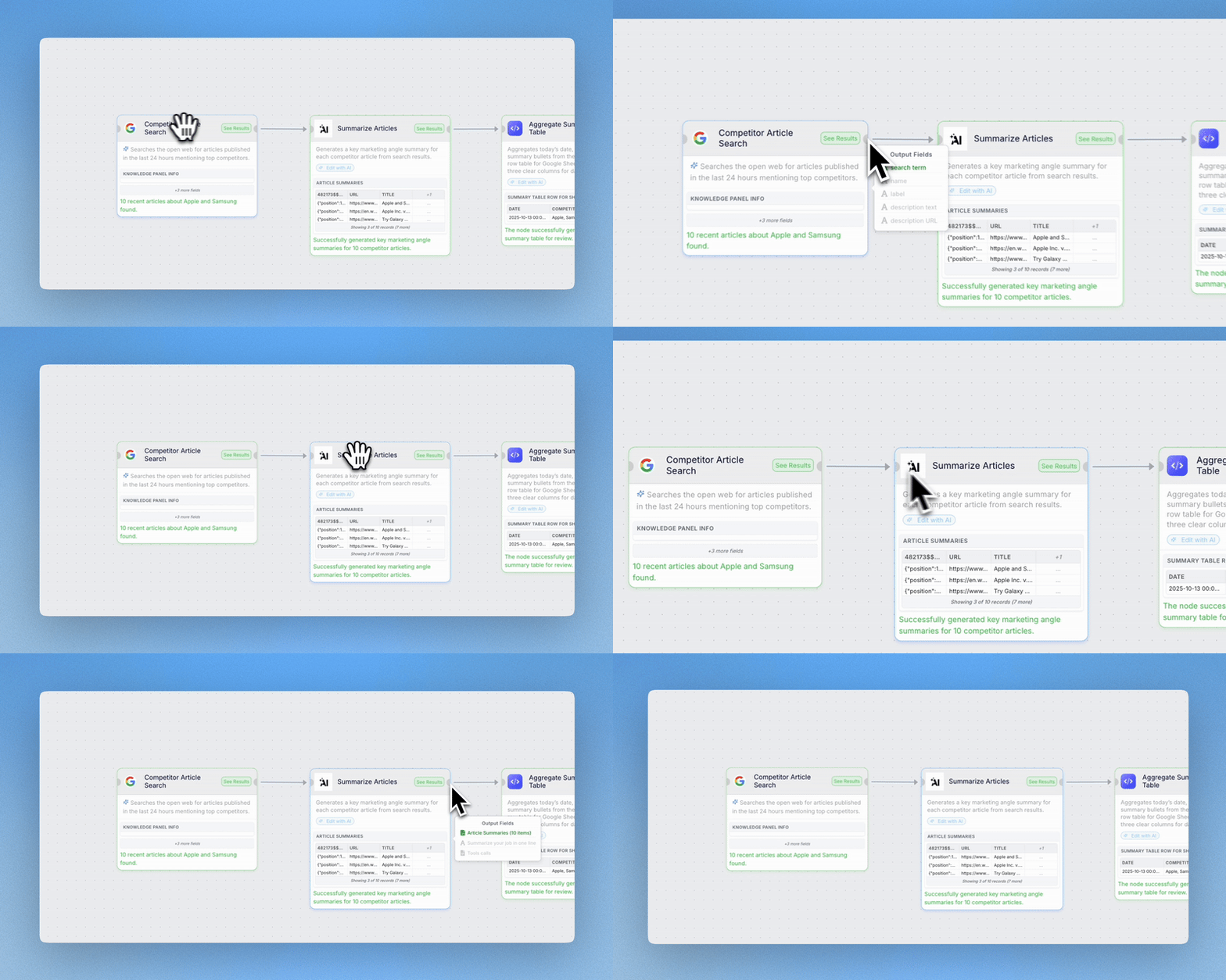
Data enters a node from the left. You can preview incoming fields by hovering the left edge.
Processing
The node transforms or uses the data according to its parameters.
Outputs
Data leaves on the right. Hover the right edge to see the fields produced.
Node categories
- App nodes - talk to external systems like Slack, Google Sheets, Notion.
- AI nodes - analyze or generate text based on your prompt.
- Core nodes - format, filter, merge, branch, and transform data.
- Custom nodes - call any API or run custom logic.
Data previews update as you test, so you can quickly verify shapes like arrays, objects, and text.