

Learn how to connect Nodes and define Data Flow
Connections control how fields move between steps.
Wire connections
-
Drag from the right edge of the source node to the left edge of the target node.
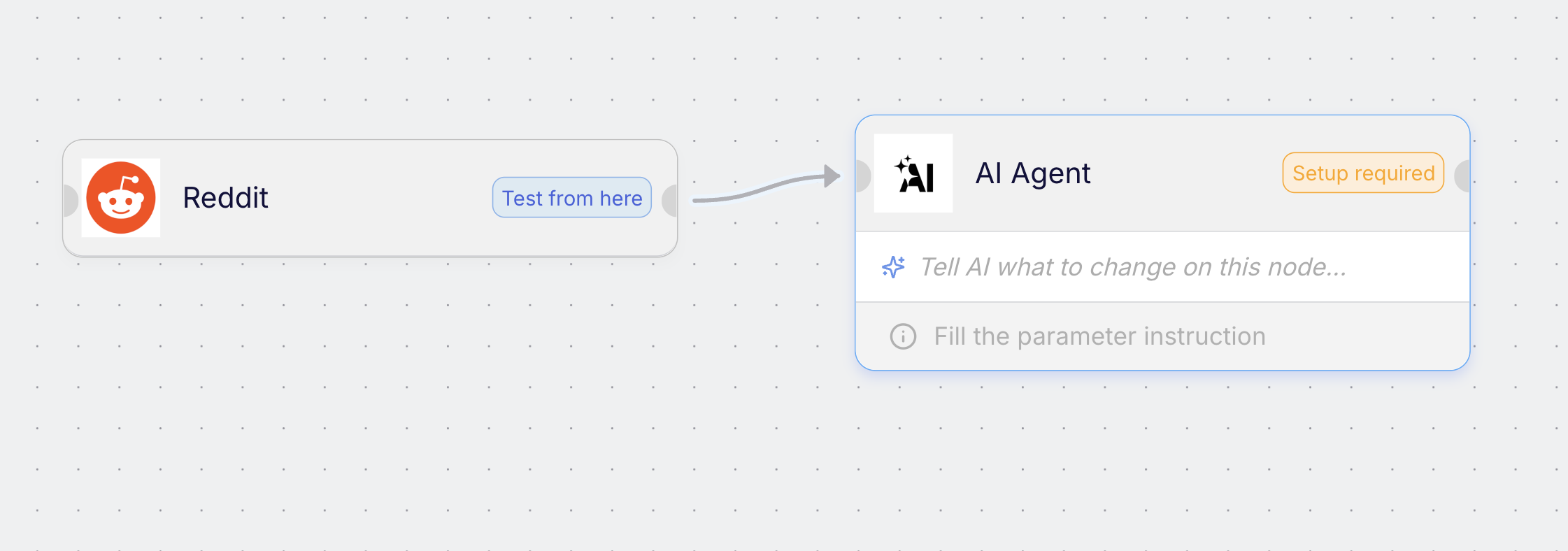
-
Open the target node parameters and click Connect on any field that should receive data.
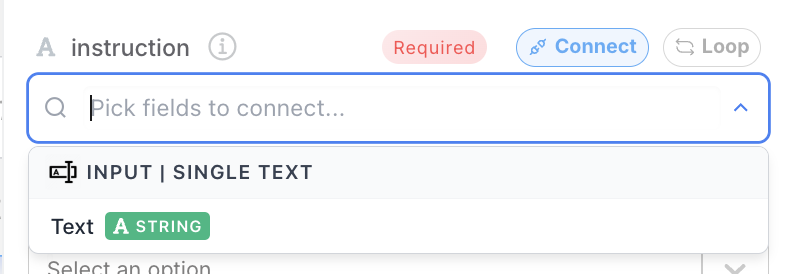
- Select the source field to map into the target field.
- Repeat for each field you need.
You can map simple values like text or numbers, and complex objects like arrays or JSON.