

How to Deploy a Flow
Publishing marks a flow ready to run with its trigger. Flows auto save as you edit.Activate your flow
1
Test
Run a test. Confirm data previews look right and outputs match your goal.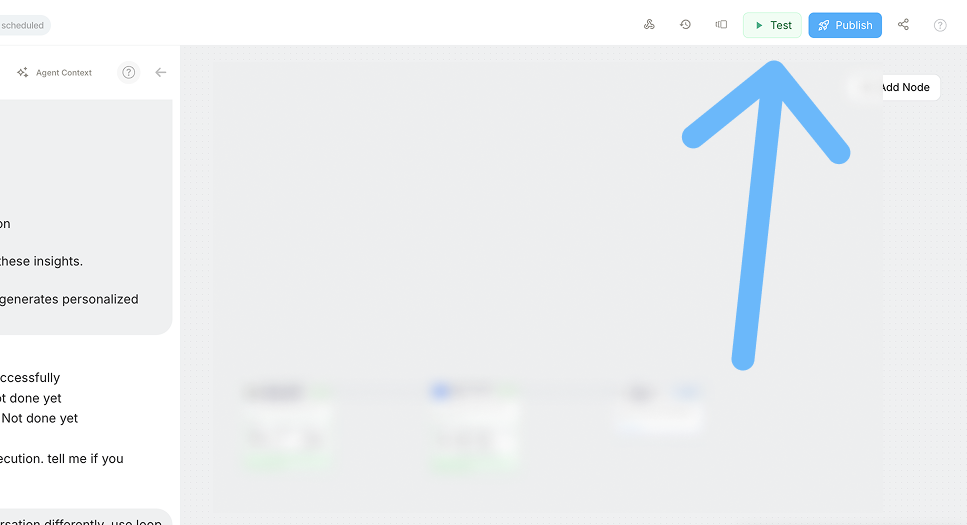
2
Publish
Click Publish to enable the configured trigger so the flow can run automatically.
3
Monitor
Open Monitor to watch runs, check success or failure, and view node level details.
You can add a lightweight in flow monitor step or create a separate monitoring flow that reacts to run events.