

Share a Flow
After publishing, you can share a link so others can open a draft copy in their workspace.1
Publish the flow
Click Publish or Activate to finalize the current version.
2
Share
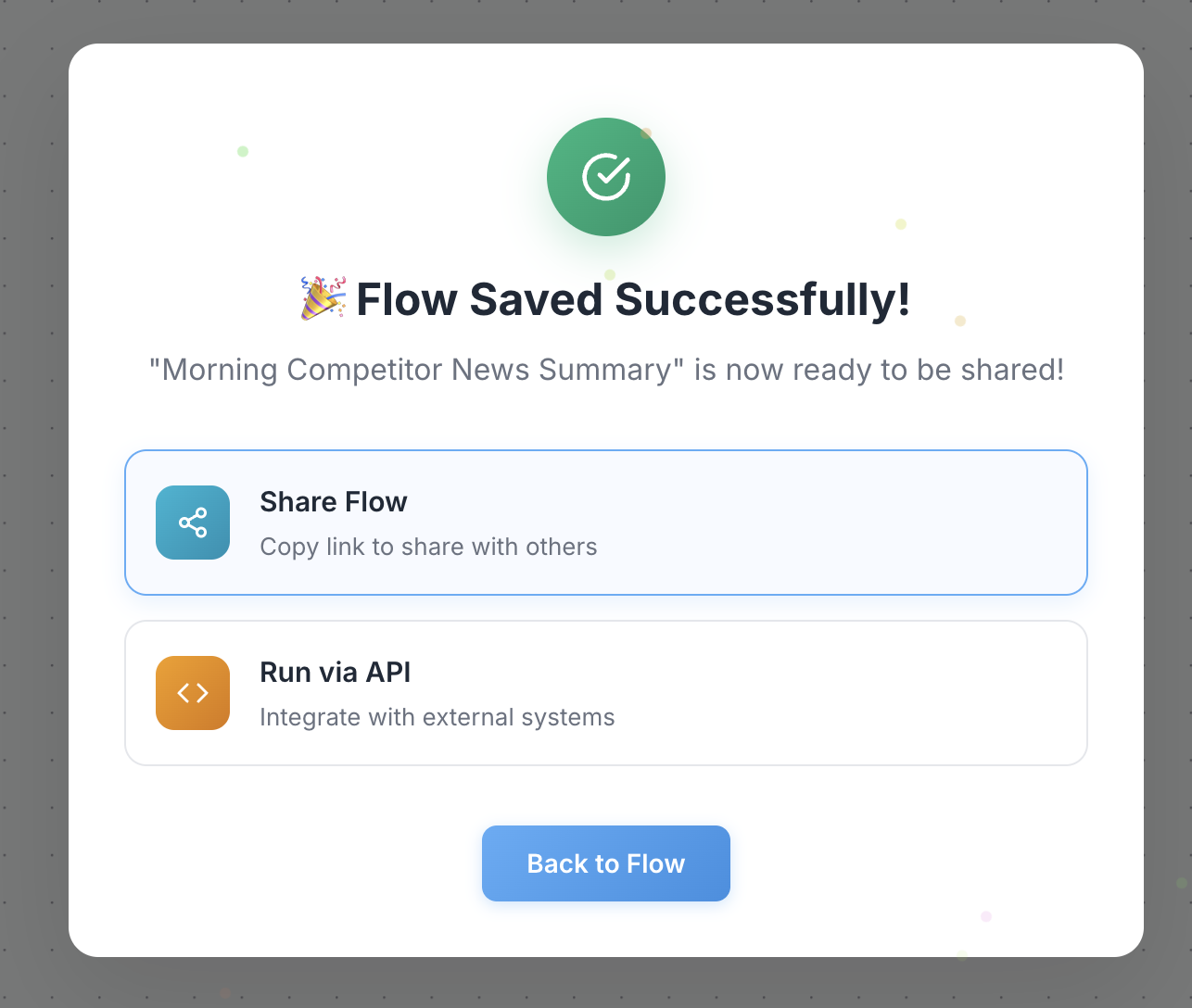
3
Send the link
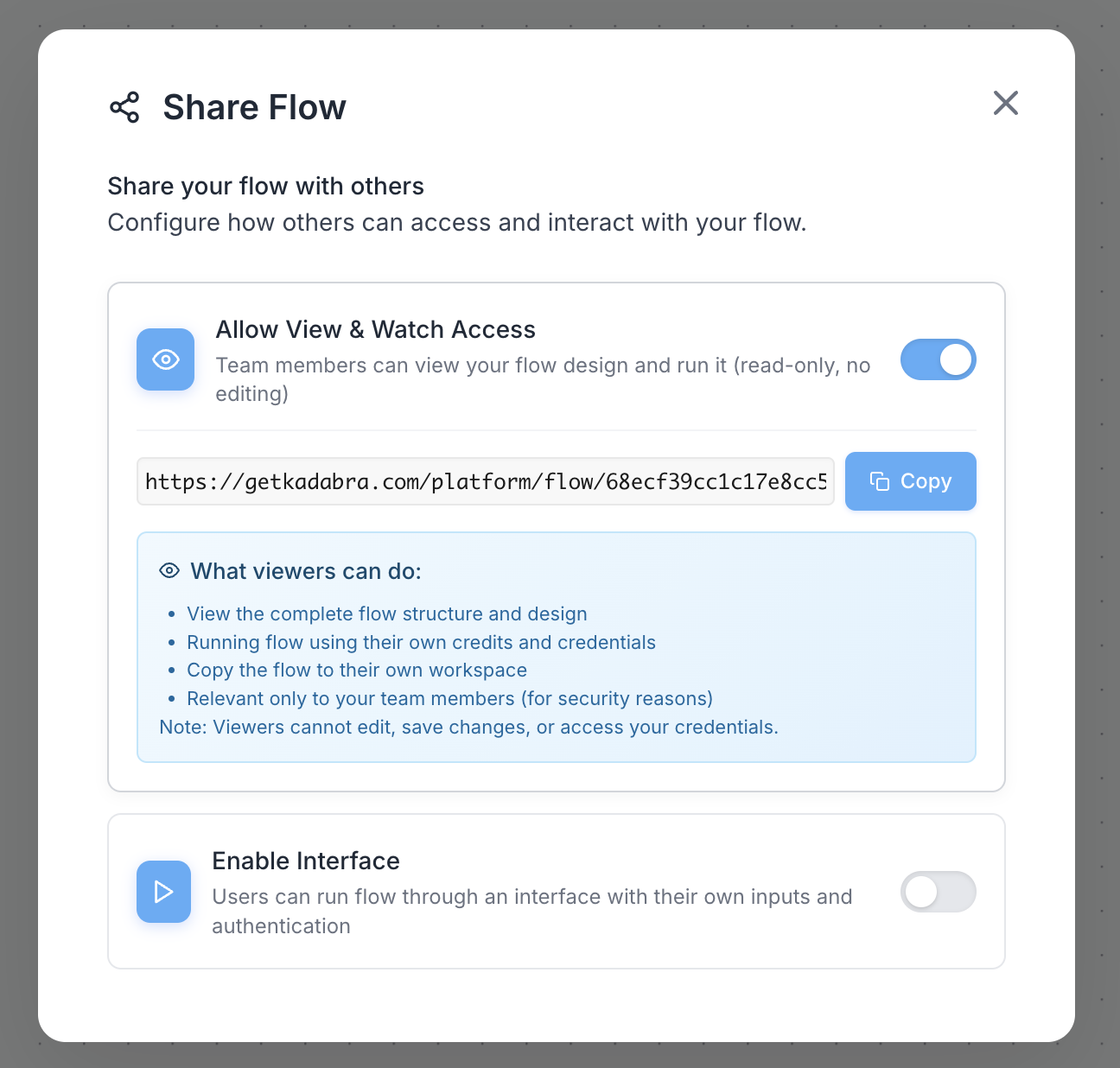
Sharing a draft lets others explore and adapt your logic without changing your original flow.