

Configure a Trigger
A trigger defines when the flow will run. Prefer a single trigger per flow.Manual run
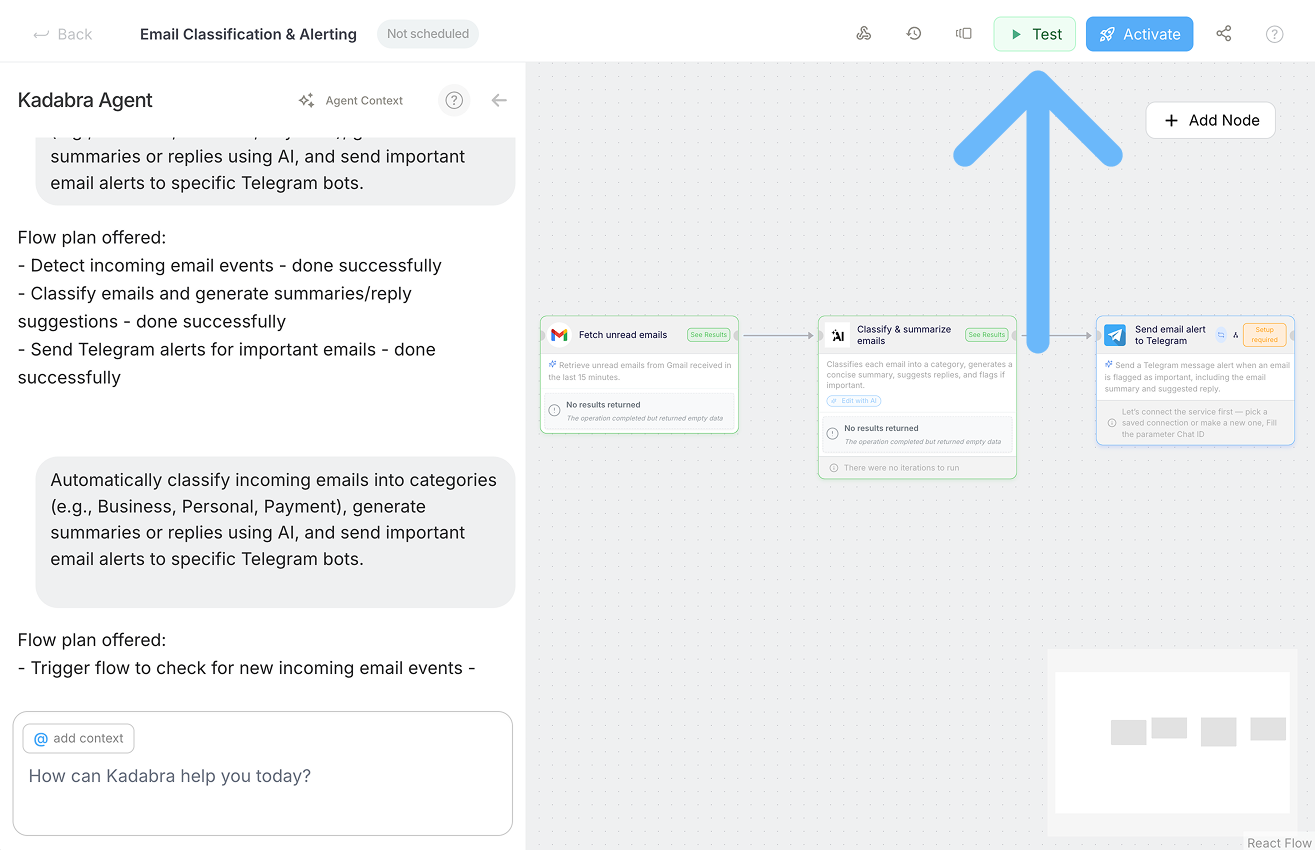
- Use the Run button on the Canvas to execute on demand.
- Ideal for testing or internal tools.
Periodic schedule
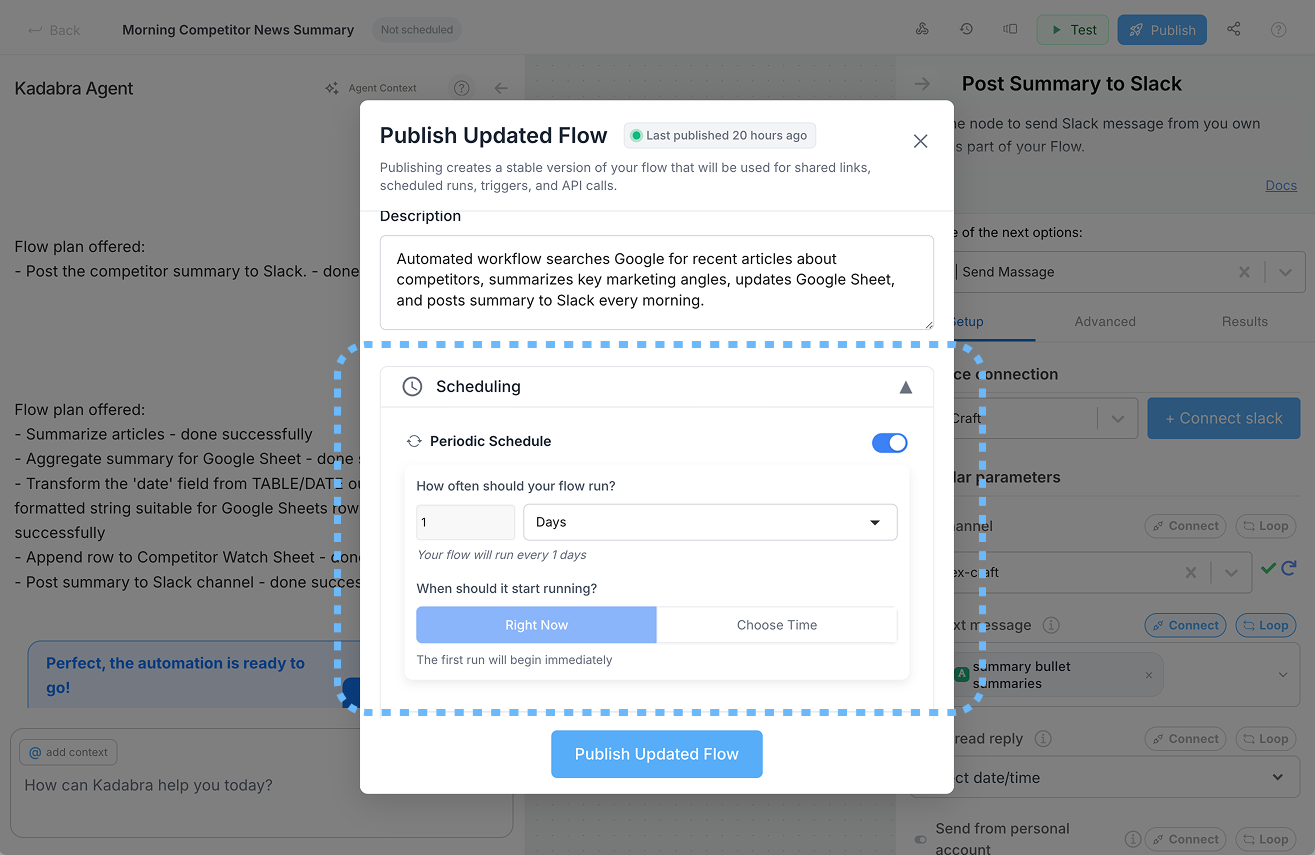
- After you Publish, choose a schedule such as hourly, daily, or weekly.
- Great for reports, syncs, and recurring jobs.
Event based
1
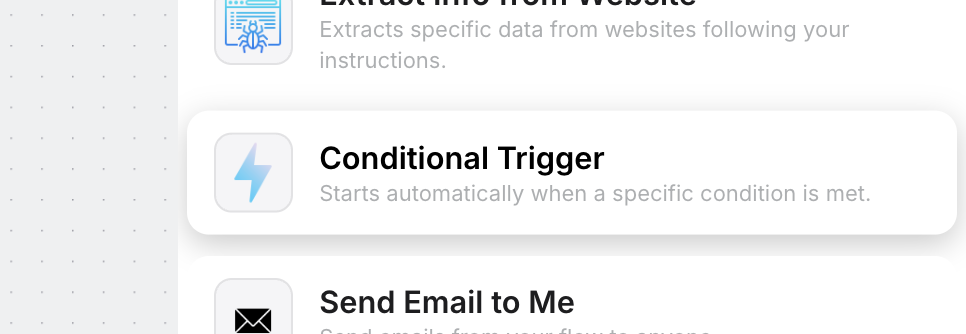
Drag Conditional Trigger Node
2
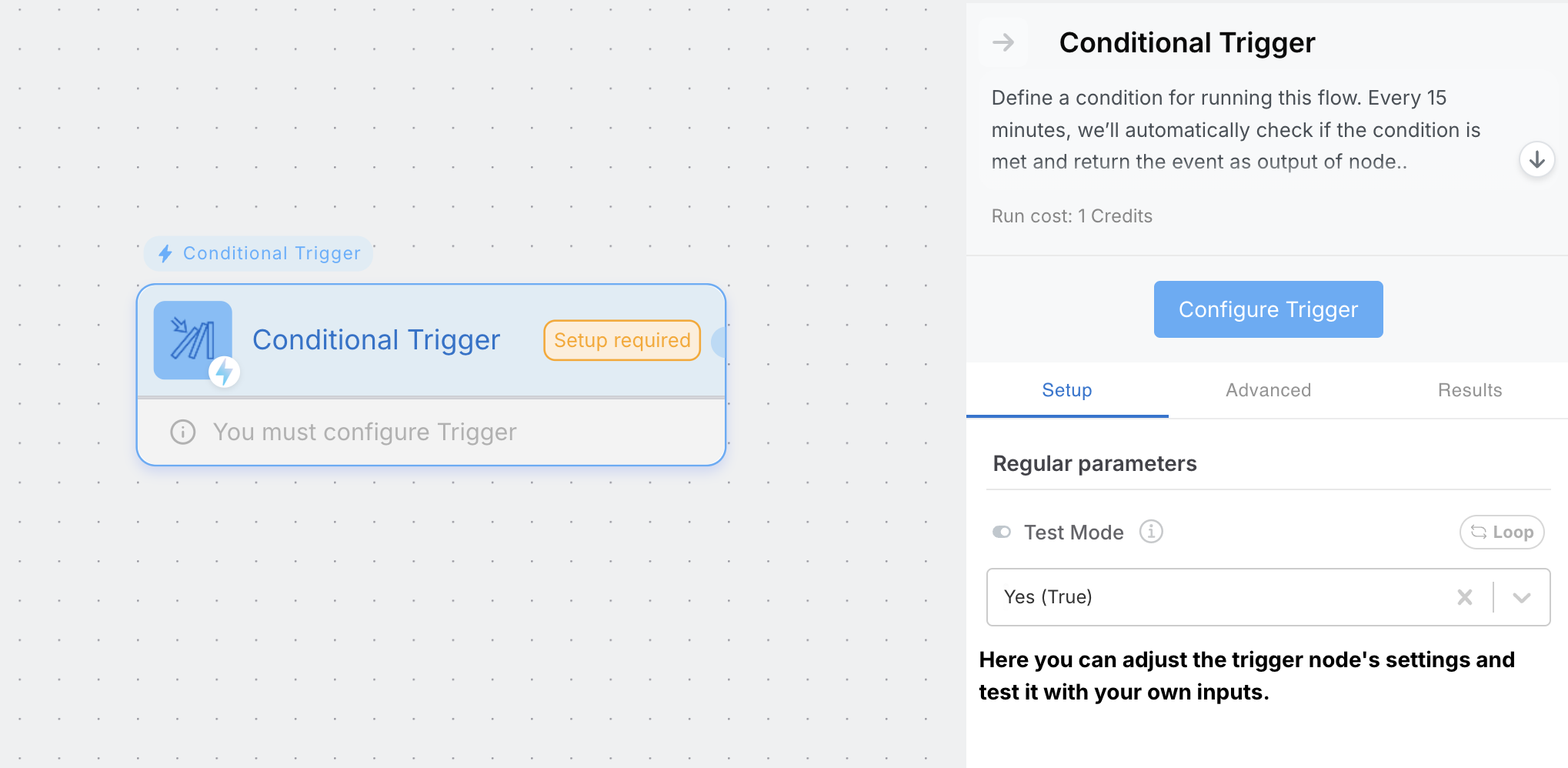
Press "Configure Trigger"
3
Define conditions
Define the condition that should trigger the flow in free text.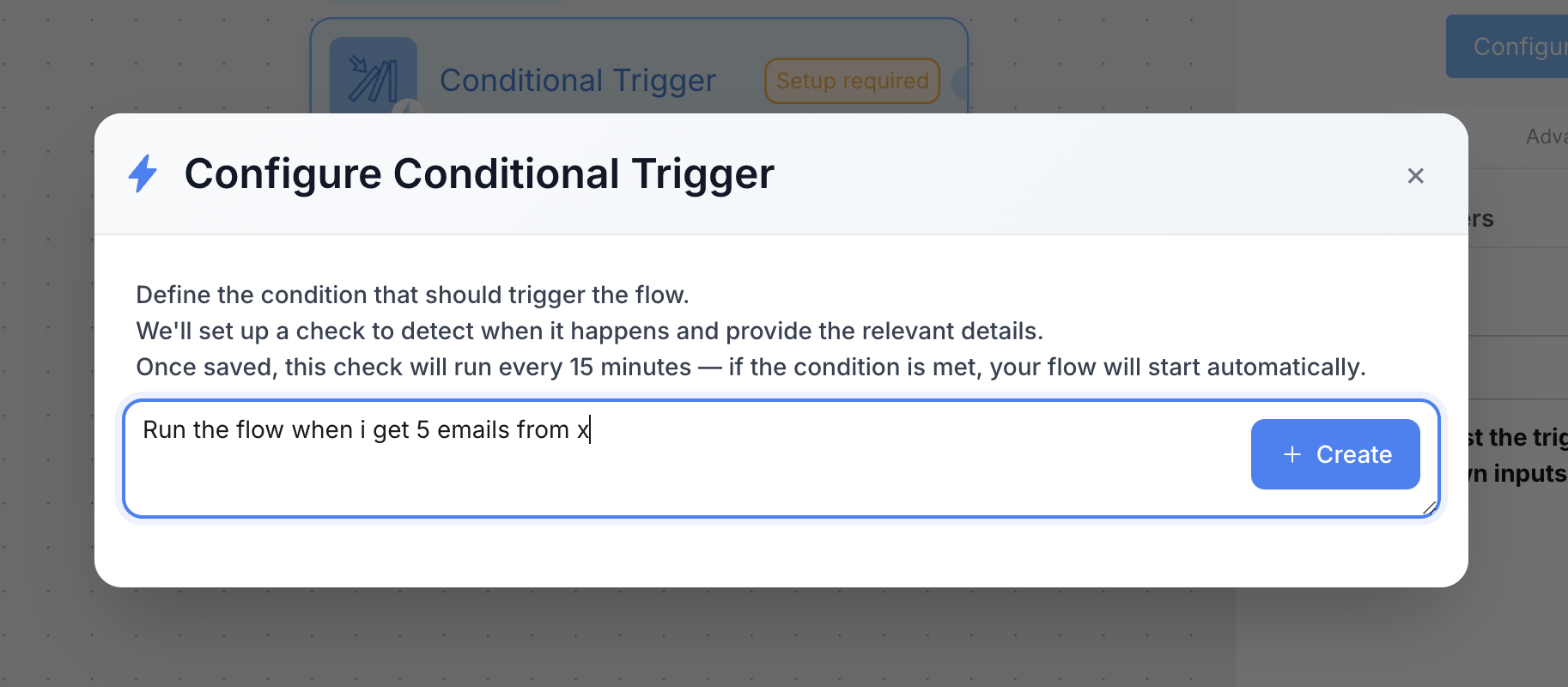
4
Your'e Ready!
Kadabra sets up a check that runs every 15 minutes. When the condition is met, your flow starts automatically.
Use this for reactive automations like new leads, new rows, or new messages.
API trigger
Expose your flow as an endpoint so external systems can start it.1
Activate / Publish your flow
Activating or Publishing creates an API endpoint. Choose which inputs and outputs are exposed.
2
Open API docs
Return to the API dialog to copy the endpoint URL and code samples.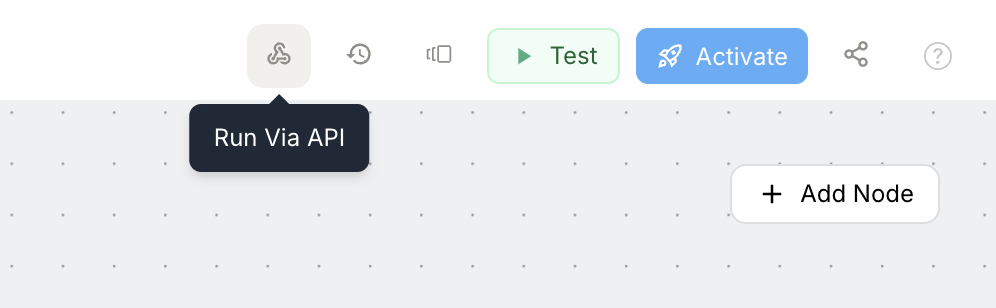
3
Call with API key
Use your API key to trigger the flow from any system.