

Welcome to Kadabra
Kadabra is your AI assistant for automation. Describe what you want in plain English and Kadabra helps you plan, build, and run it.Why Kadabra?
No code,
Plain English,
Visual Canvas.
Build automations faster by combining AI reasoning with clear, visual steps.
Plain English,
Visual Canvas.
Build automations faster by combining AI reasoning with clear, visual steps.
Meet the Canvas
The Canvas is your visual workspace. You design logic by connecting blocks and you can ask the Agent to set things up for you.Blocks and lines
Nodes are the steps. Lines show how data moves. That is the whole mental model.
Live previews
See inputs and outputs at every step so you can debug fast.
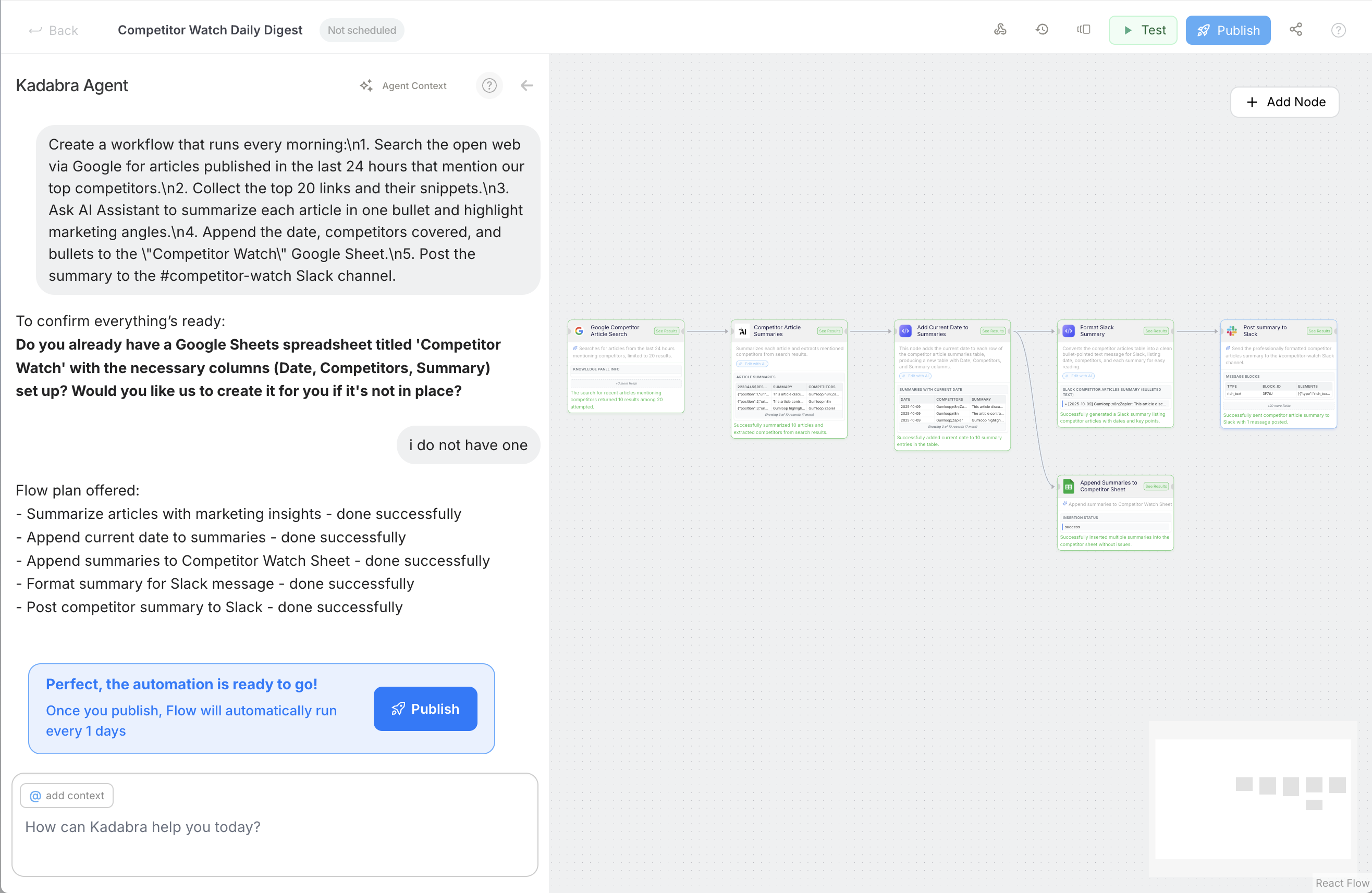
Say hi to Kadabra Agent
The Kadabra Agent understands what you want to build, checks prerequisites, proposes a plan, and can place nodes on the Canvas for you.Understands your intent
Describe your goal. The Agent turns it into a build plan.
Checks prerequisites
If you need a sheet, a form, or a credential, the Agent tells you first.
Builds on the Canvas
Places and connects nodes so you start from a working draft, not a blank page.
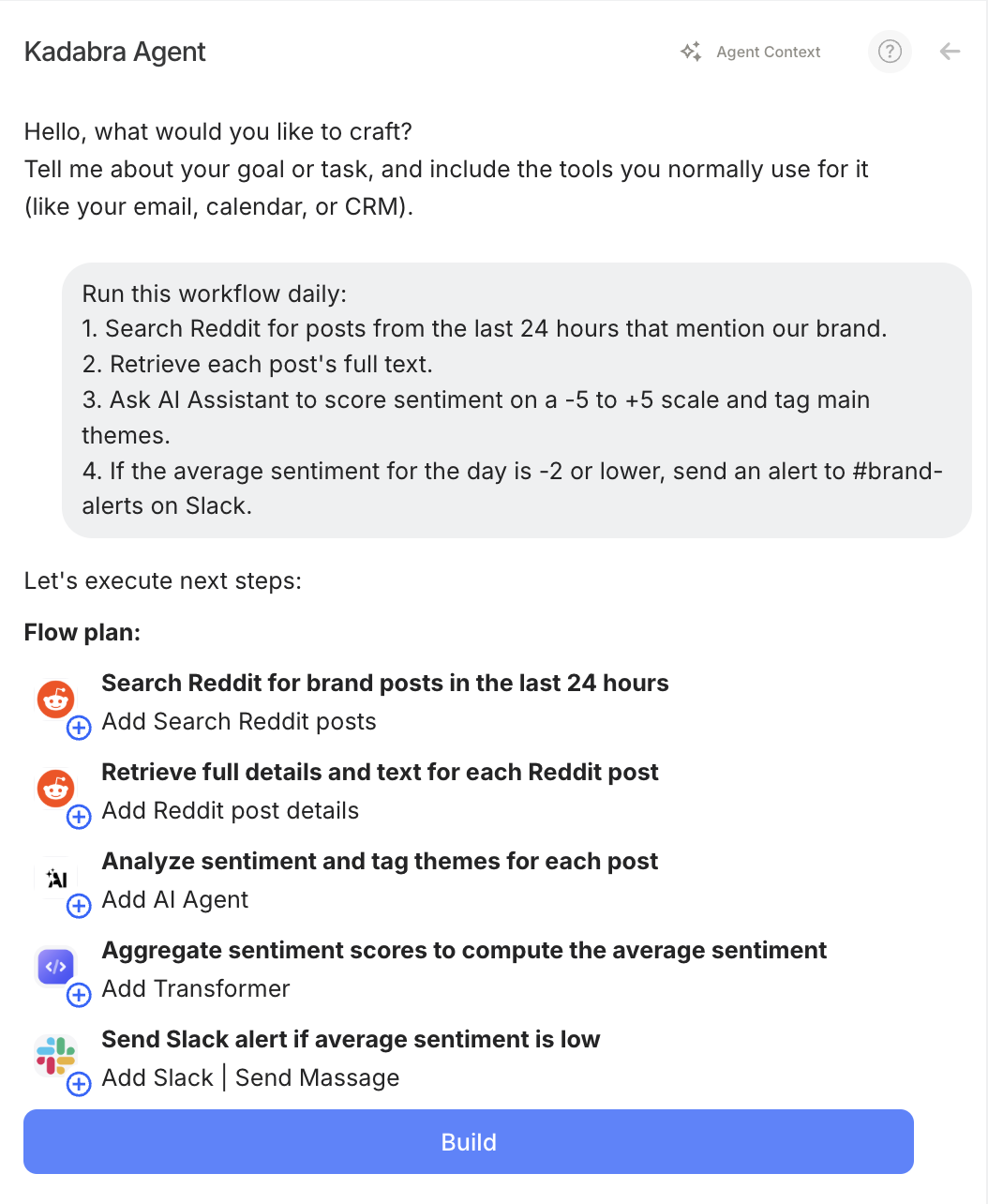
What can you build
Daily Slack summary
Digest new tickets, issues, or mentions and post one clean summary.
Smart spreadsheet sync
New row in Sheets - AI summary - post to Slack or update a CRM.
Notion to Sheets
Mirror new Notion records into a Sheet for analysis.
Content helper
Turn links in a sheet into ready to post captions.
Your first win in 3 steps
1
Describe it
Example: When a row is added in Google Sheets, summarize it and post to Slack.
2
Let the Agent build
The Agent proposes nodes, adds the trigger, and wires Slack.
3
Test and publish
Run once, check previews, then publish so it runs automatically.
Flows save automatically. You can share them with teammates or clone them as templates.
Where to go next?
Build your first AI Automation
A focused guide to creating an Agent that plans and edits on the Canvas.
Core Concepts
Learn the deeper mental model: Flows, Agentic vs Deterministic, Canvas, Interface, Triggers, Credits.
How to Guides
Step by step tutorials like Set a Trigger, Connect Apps, Build a Workflow, Publish, Use Interface.
FAQ
Get a short answers to common questions about usage, billing, limits and general ops.